



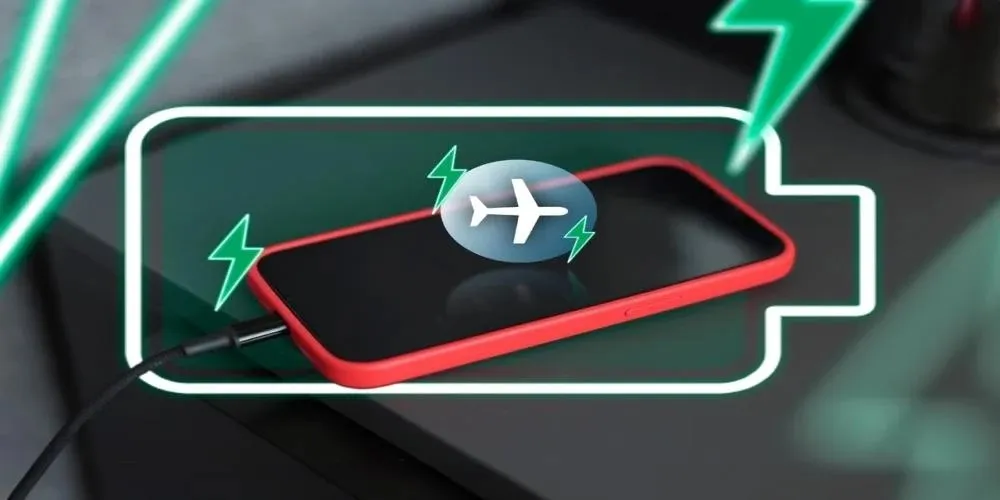
Switching off cellular signals speeds up daily battery top-ups
People rely on mobile devices constantly, putting severe strain on daily power reserves and forcing frequent plug-ins. Experts reveal that turning off cellular signals before charging your device shaves 10 minutes off the total time while keeping hardware remarkably cool. With modern phones acting as pocket-sized computers, constant connections to mobile data, Wi-Fi, and GPS generate extra heat and slow down power intake. Historically, extreme heat buildup during daily top-ups has caused batteries to swell or trigger dangerous fires. Managing device temperatures effectively mitigates these safety risks.
Real world device testing
Reviewers ran controlled trials on a Samsung Galaxy S24 to measure this exact difference. Their results confirmed the flagship smartphone reached full capacity 10 minutes quicker when disconnected from cellular networks. Independent hardware testers repeated these precise charging trials on popular Xiaomi and Vivo handsets. They recorded nearly identical time improvements across both brands, proving the trick works flawlessly across different operating systems.
Preserving internal hardware
Cutting off network communication channels accomplishes much more than saving a few minutes at the wall socket. Shutting down power-hungry sensors keeps the internal battery cells at a stable, significantly lower temperature. Heat remains the biggest enemy of modern lithium-ion components. Cooler charging cycles directly extend the overall lifespan of your equipment, ensuring better performance after months of heavy usage.
Perfect timing for offline charging
Switching off your network connection blocks incoming phone calls, text messages, and social media notifications entirely. Users will find this specific method highly practical at night or during deep-focus work sessions when digital interruptions are already unwanted. Disconnecting from the cellular grid protects your expensive hardware while giving you a quiet, undisturbed break from endless screen alerts. Adopting this small habit guarantees your phone wakes up fully charged and ready for the day without suffering unnecessary wear and tear.